
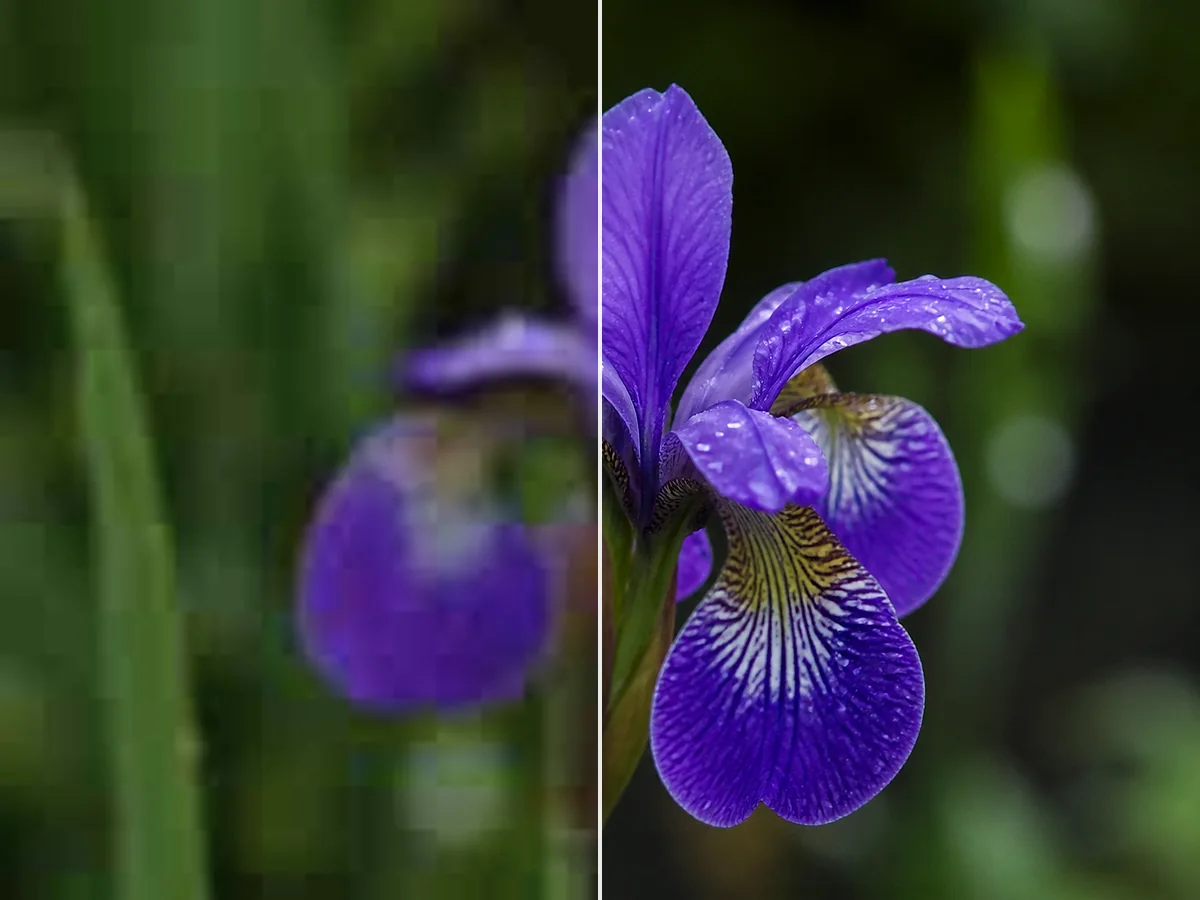
Detail Reconstruction
Missing or softened details in low-resolution and blurry images are rebuilt by the AI — not just sharpened with a filter. The result is genuine-looking texture rather than an artificially crisp overlay.
Upload a photo and let AI enhance the quality — sharper details, cleaner edges, and higher resolution in one step.
Upload Image
Add up to 5 images at once.
Click to upload image or drag image here
Supports JPG, PNG, WEBP, ZIP formats, max 20.00MB each
You can select or drag up to 5 images.
Upload files or paste
Try an example image
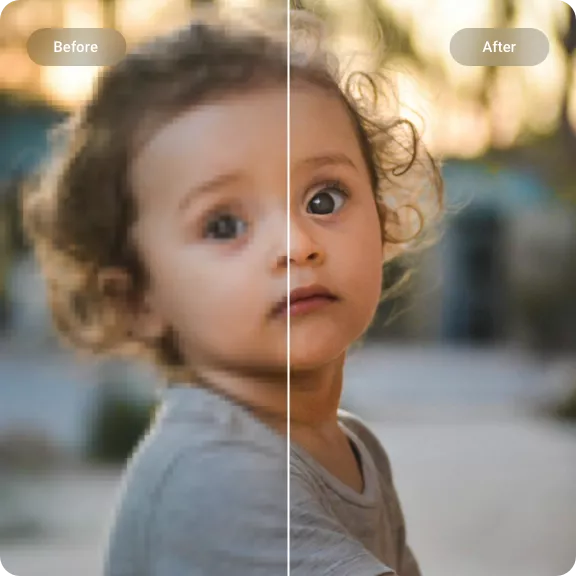
Choose a JPG, PNG, or WebP file. The AI enhancer works best with photos where the subject is visible — even blurry, dark, or low-resolution images can be improved significantly.
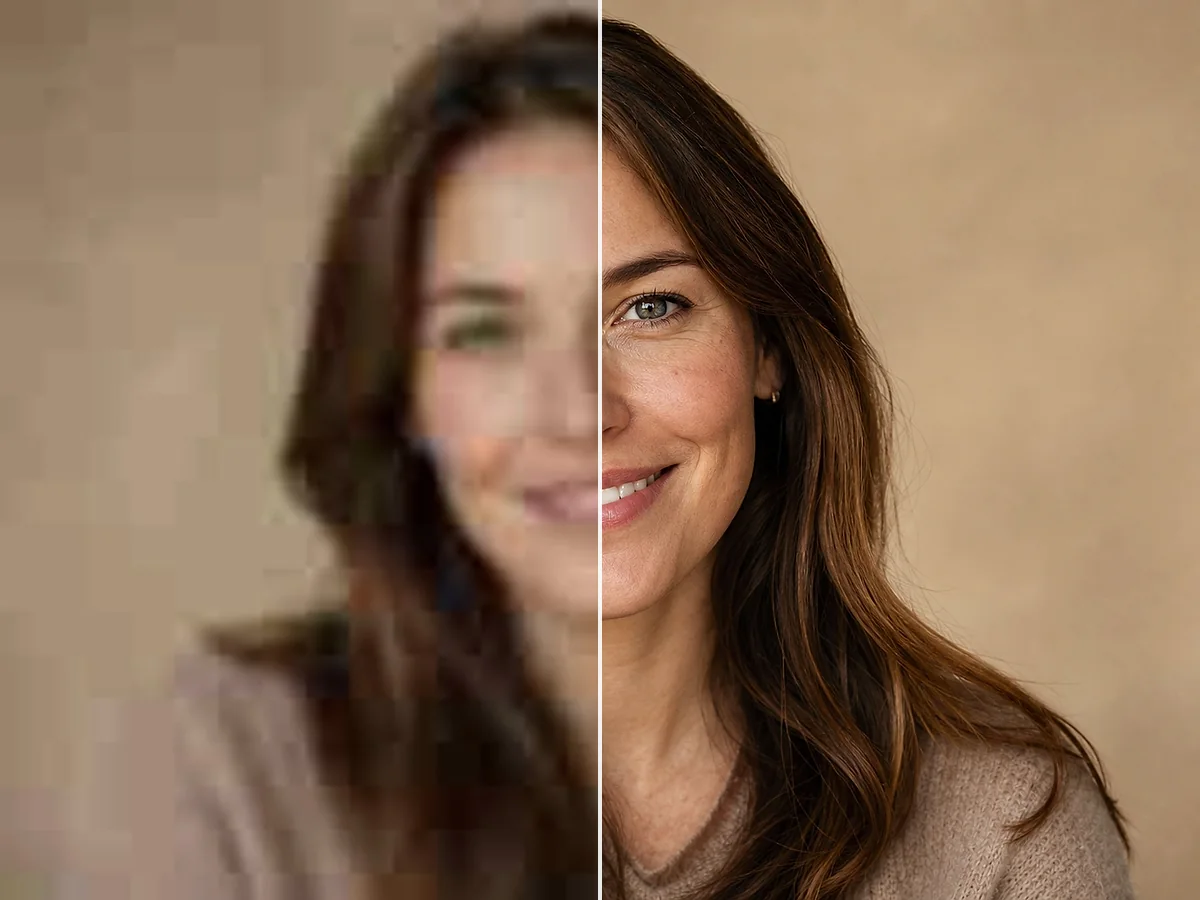
Select your desired output size and toggle face enhancement for portraits. The AI handles the rest — analyzing, sharpening, and upscaling in a single pass.
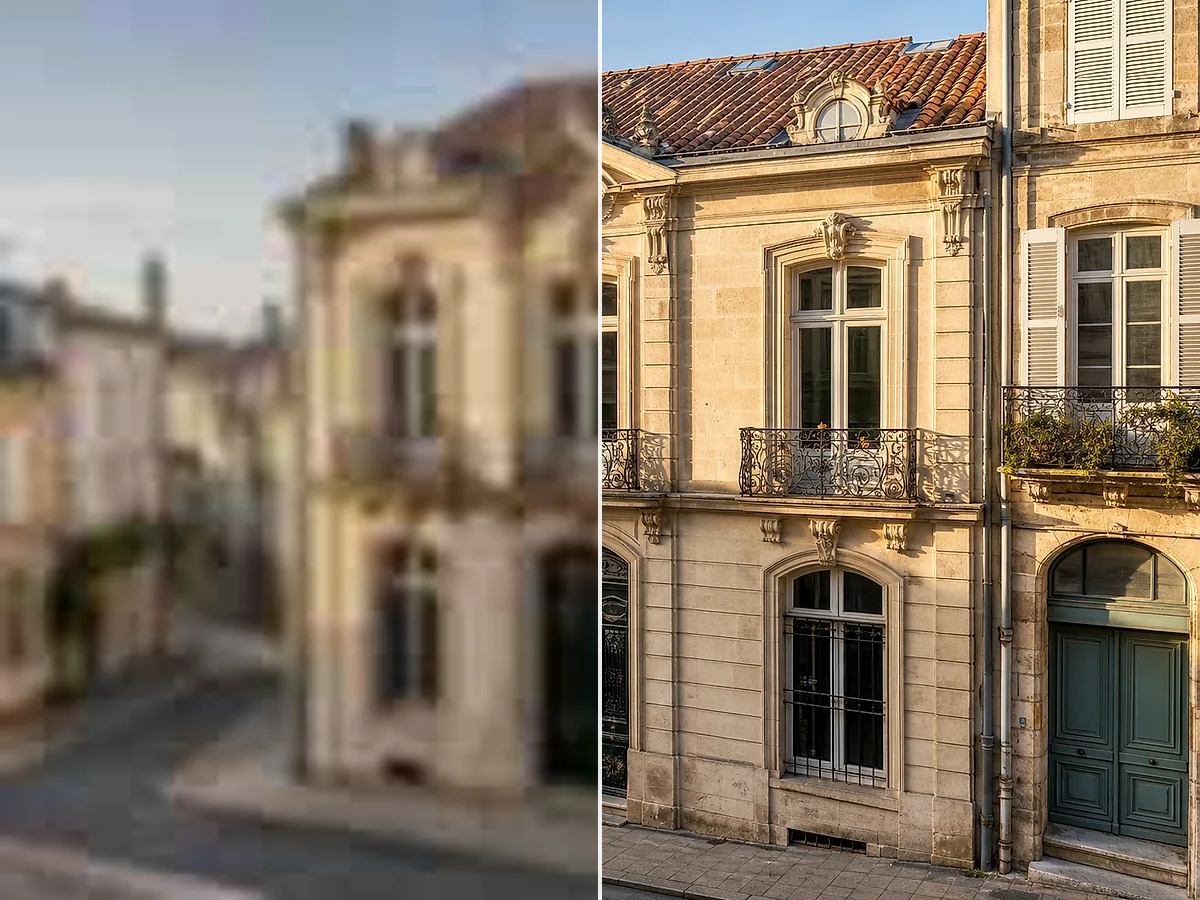
Preview the result next to the original. Download the high-resolution version for social media, printing, ecommerce listings, or personal archives.
Missing or softened details in low-resolution and blurry images are rebuilt by the AI — not just sharpened with a filter. The result is genuine-looking texture rather than an artificially crisp overlay.
Increase image resolution without losing quality. The AI generates new pixels that match the original content, so the enlarged image stays sharp and natural rather than pixelated or stretched.
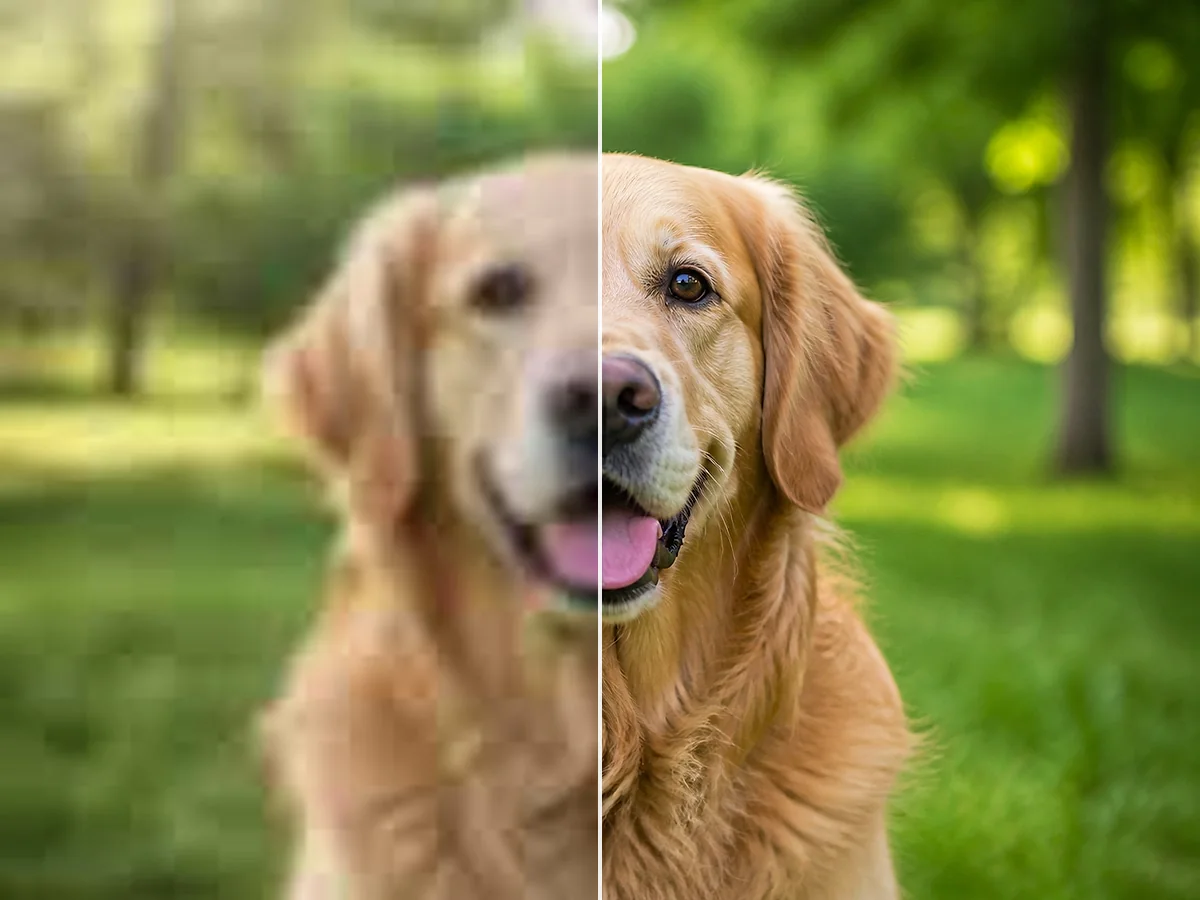
Fix blurry photos by letting AI identify and sharpen out-of-focus areas, motion blur, and lens softness. The result is a cleaner image with visible improvement in edge definition.
Face-aware processing sharpens eyes, smooths skin noise, and defines facial features naturally. Ideal for portraits, group photos, and headshots that look soft or compressed.
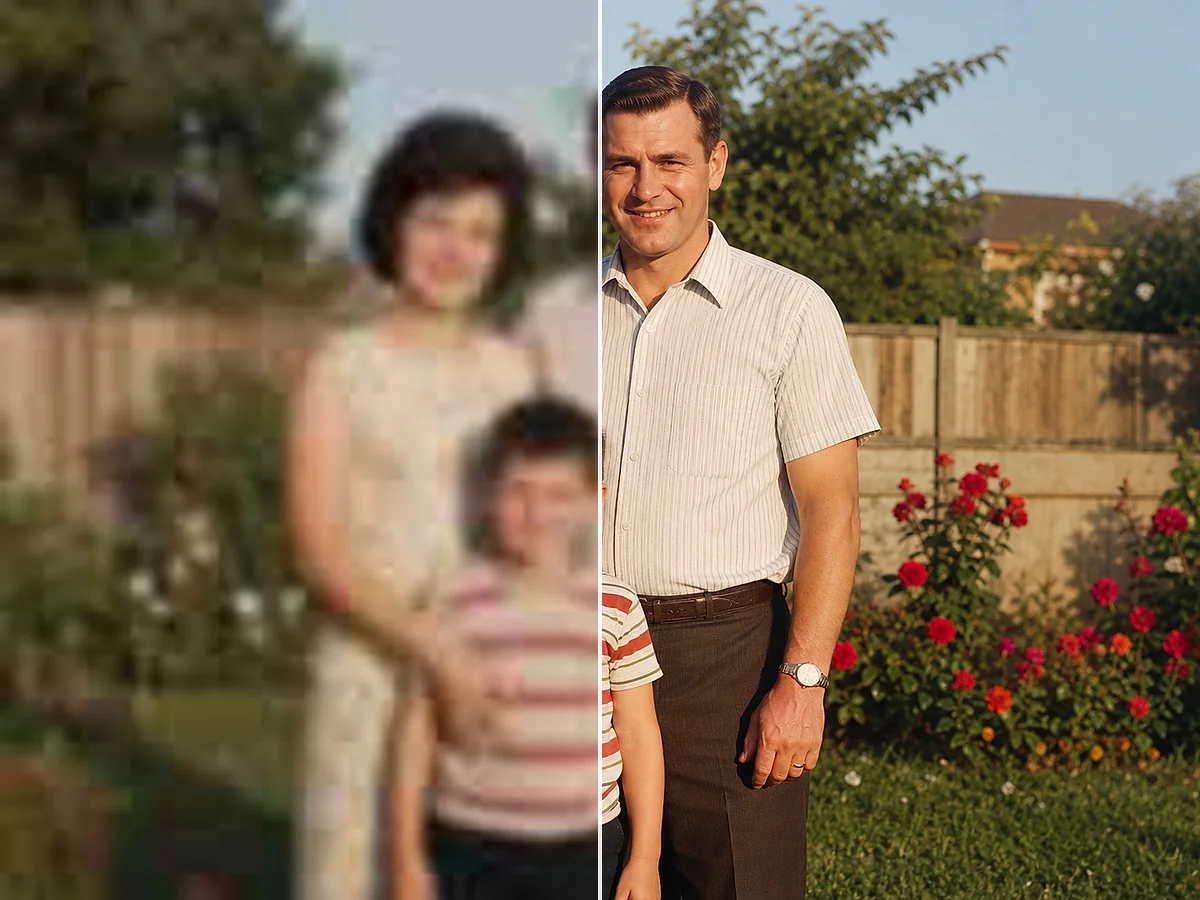
Enhance old digital photos and scanned images by reducing grain, clearing up compression artifacts, and recovering lost sharpness. The AI improves clarity while keeping the original character of the image.
No software to install, no complex settings to learn. Upload your photo, enhance it with AI, and download the result — all from your browser, on any device.
Soft-focused or low-resolution portraits gain visible clarity — eyes sharpen, skin texture looks natural, and fine details like hair become more defined. The result stays true to the original while looking noticeably sharper.
Enhance Your ImageOld digital photos, scanned prints, and vintage images often suffer from blur, grain, and low resolution. AI enhancement reduces noise, sharpens details, and improves clarity — making old memories look cleaner without altering the original character.
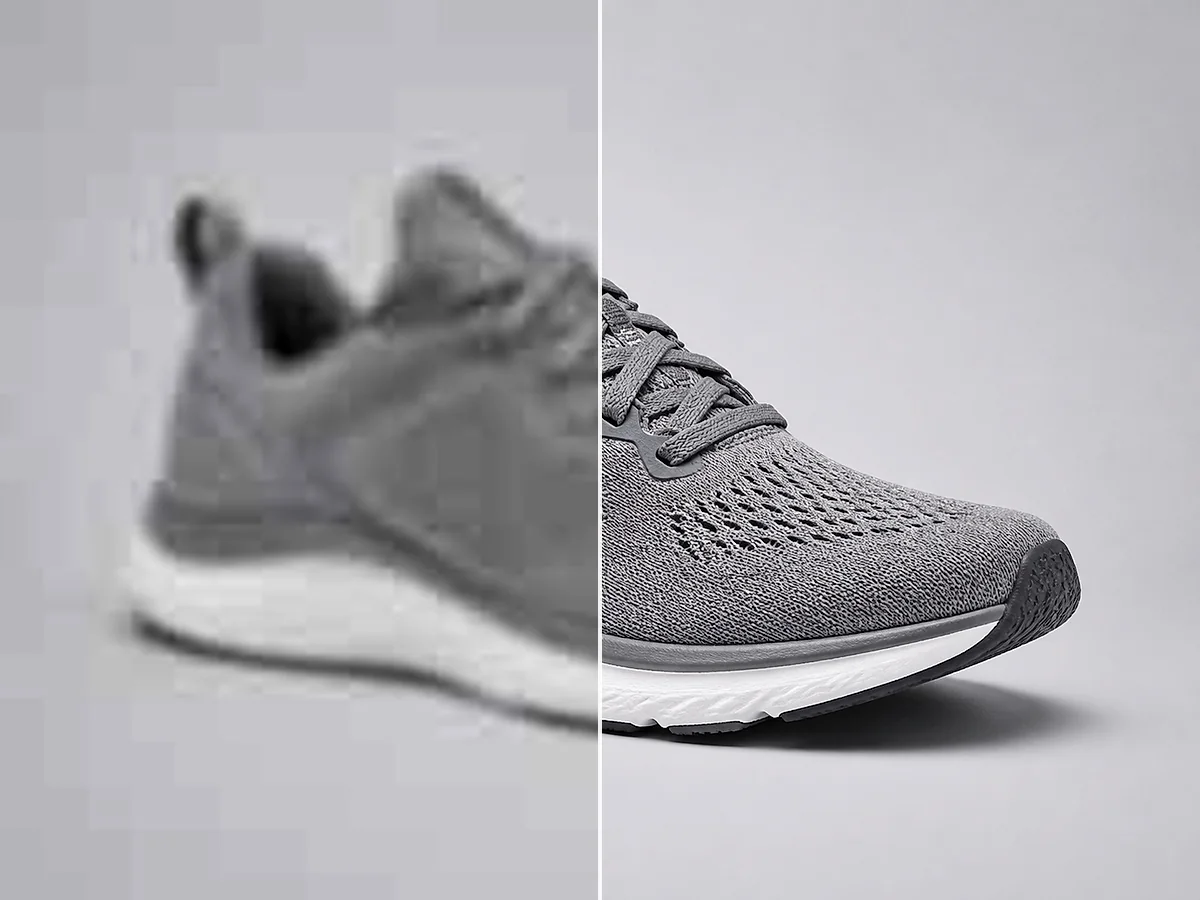
Enhance Your ImageProduct photos need to look sharp at every zoom level. The AI enhancer cleans up compression artifacts, sharpens labels and packaging details, and delivers a higher-resolution image that looks better on listings, ads, and social media.
Enhance Your ImageFace-aware processing sharpens eyes, smooths skin noise, and defines facial features naturally. Ideal for portraits, group photos, and headshots that look soft or compressed.
Portrait and Face Enhancement
Detail and texture reconstruction
Enhance old digital photos and scanned images by reducing grain, clearing up compression artifacts, and recovering lost sharpness. The AI improves clarity while keeping the original character of the image.
Old Photo and Vintage Image Enhancement
Blur reduction and sharpening
No software to install, no complex settings to learn. Upload your photo, enhance it with AI, and download the result — all from your browser, on any device.
Browser-Based Enhancement
Resolution upscaling to 4K
Common questions about enhancing image quality, fixing blurry photos, and increasing resolution with AI.
An AI image enhancer is a tool that uses artificial intelligence to improve photo quality automatically. It can sharpen blurry images, increase resolution, reduce noise, and restore lost detail — without manual editing.
Upload a photo and the AI analyzes its content. It identifies areas that need improvement — soft edges, noise, low resolution — and reconstructs missing detail. The result is a cleaner, sharper, higher-resolution version of the original.
Yes. The AI enhancer can reduce blur and sharpen out-of-focus areas. Results depend on the severity of the blur — mild to moderate blur improves noticeably, while extreme motion blur or heavy defocus has limits.
Yes. The AI upscales your image to a higher resolution while adding detail to keep it looking sharp. You can choose from several output sizes depending on your needs.
Yes. The enhancer supports output resolutions suitable for 4K displays and large prints, provided the source image has enough usable detail to work with.
New accounts receive trial credits to test the enhancer. Each successfully enhanced image uses 1 credit. If the job fails for any reason, you are not charged.
An account is needed to process images and download results. Signing up is quick and gives you access to your enhanced images and remaining credits.
You can upload JPG, JPEG, PNG, and WebP files. Supported output formats include PNG and JPG.
Yes. Scanned documents, photos of text-heavy pages, and images with small lettering can be sharpened significantly. The AI reduces softness around character edges, making text more readable — useful for document digitization and archive cleanup.
Yes. Old digital photos, scanned prints, and vintage images respond well to AI enhancement. The tool reduces grain and sharpens details while keeping the original character of the photo.
Yes. The face enhancement mode is designed specifically for portraits, headshots, and group photos. It sharpens eyes and facial features while keeping skin texture natural.
Yes. The enhancer increases resolution and sharpness, which helps images look cleaner at larger print sizes. Choose a higher output resolution when preparing images for posters, flyers, or photo prints.
No. Downloaded results do not include watermarks.
Yes. The tool works in any modern browser, including Safari and Chrome on iOS and Android. Upload, enhance, and download directly from your phone.