
1

Upload Your Image
Choose a JPG, PNG, or WebP file, paste an image URL, or drag a photo into the upload area.

100% Automatic and Free to try
Upload an image and create a clean transparent PNG with Remove Bg.
Upload Image
Add up to 5 images at once.
Click to upload image or drag image here
Supports JPG, PNG, WEBP, ZIP formats, max 20.00MB each
You can select or drag up to 5 images.
Upload files or paste
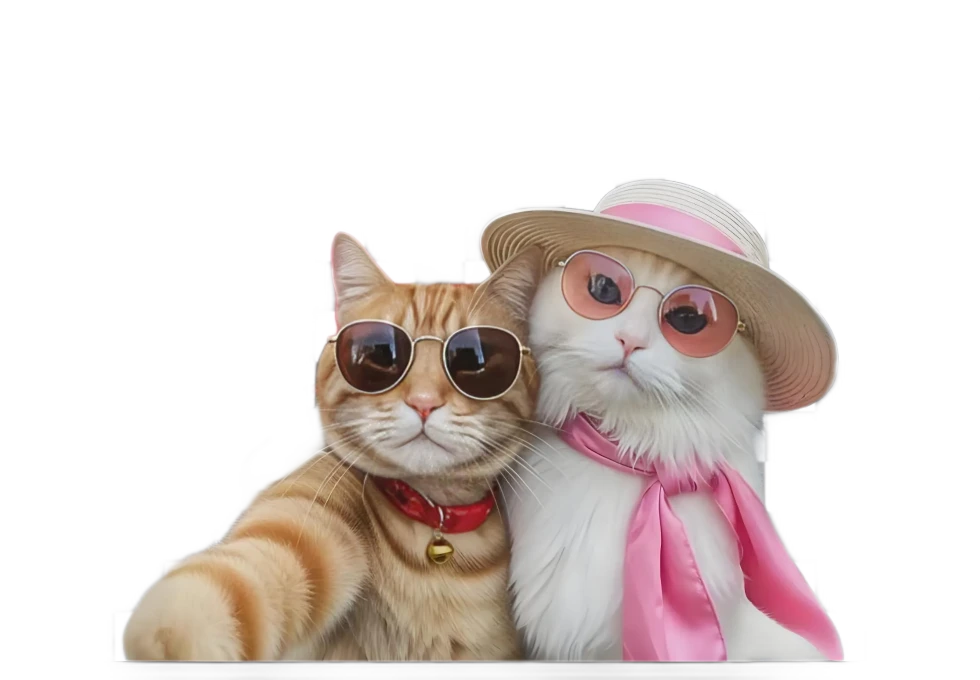
Try an example image
No image?Try one of these:


By uploading an image or URL you agree to our Terms of Service. To learn more about how Remove Bg handles your personal data, check our Privacy Policy.
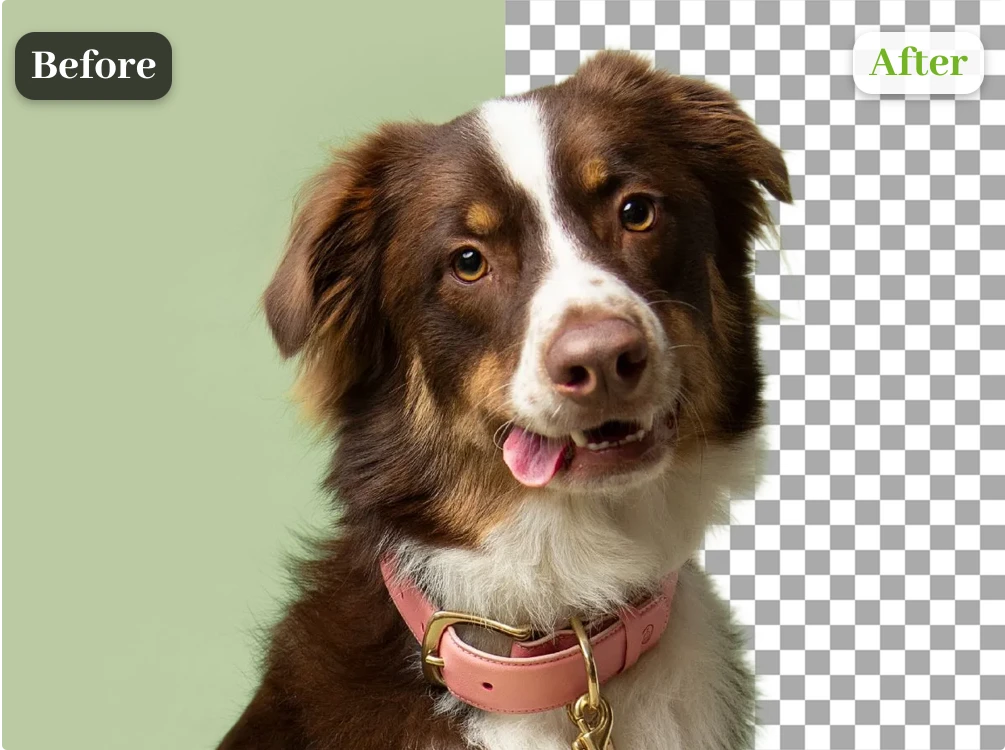
Drag the handle to compare the original image with the transparent-background result.
Choose a JPG, PNG, or WebP file, paste an image URL, or drag a photo into the upload area.
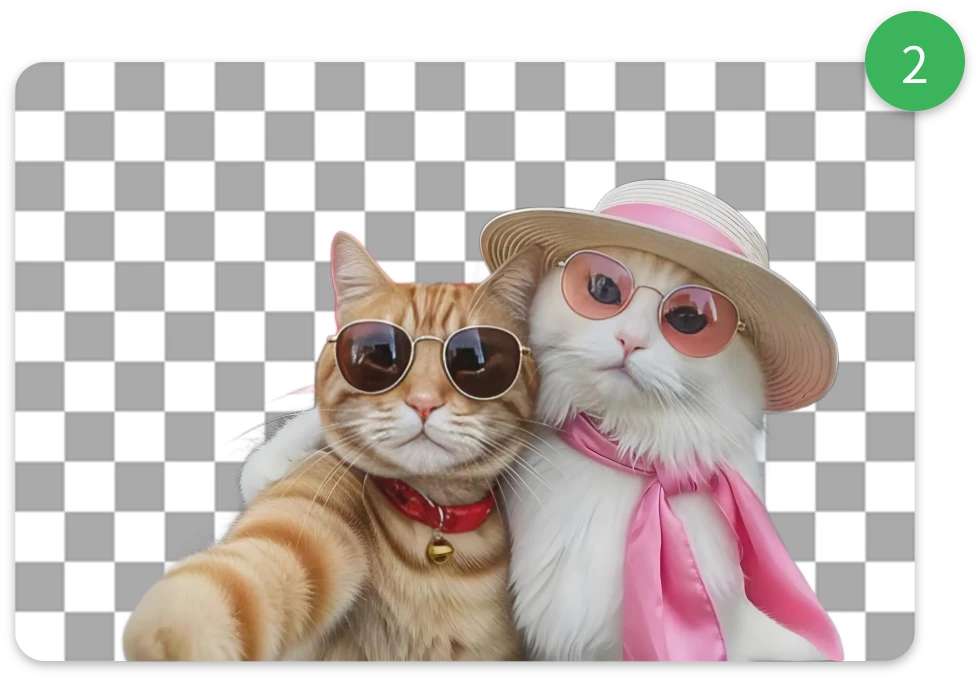
The background remover identifies the main subject and removes the surrounding background automatically.
Preview the cutout, refine the edges when needed, and download a transparent PNG.
Use the background remover for polished product photos, flexible property assets, and detailed people cutouts.
Create clean, transparent product images for online stores, marketplaces, ads, and catalogs. Keep every listing consistent without manually tracing around each item.
Remove Product Background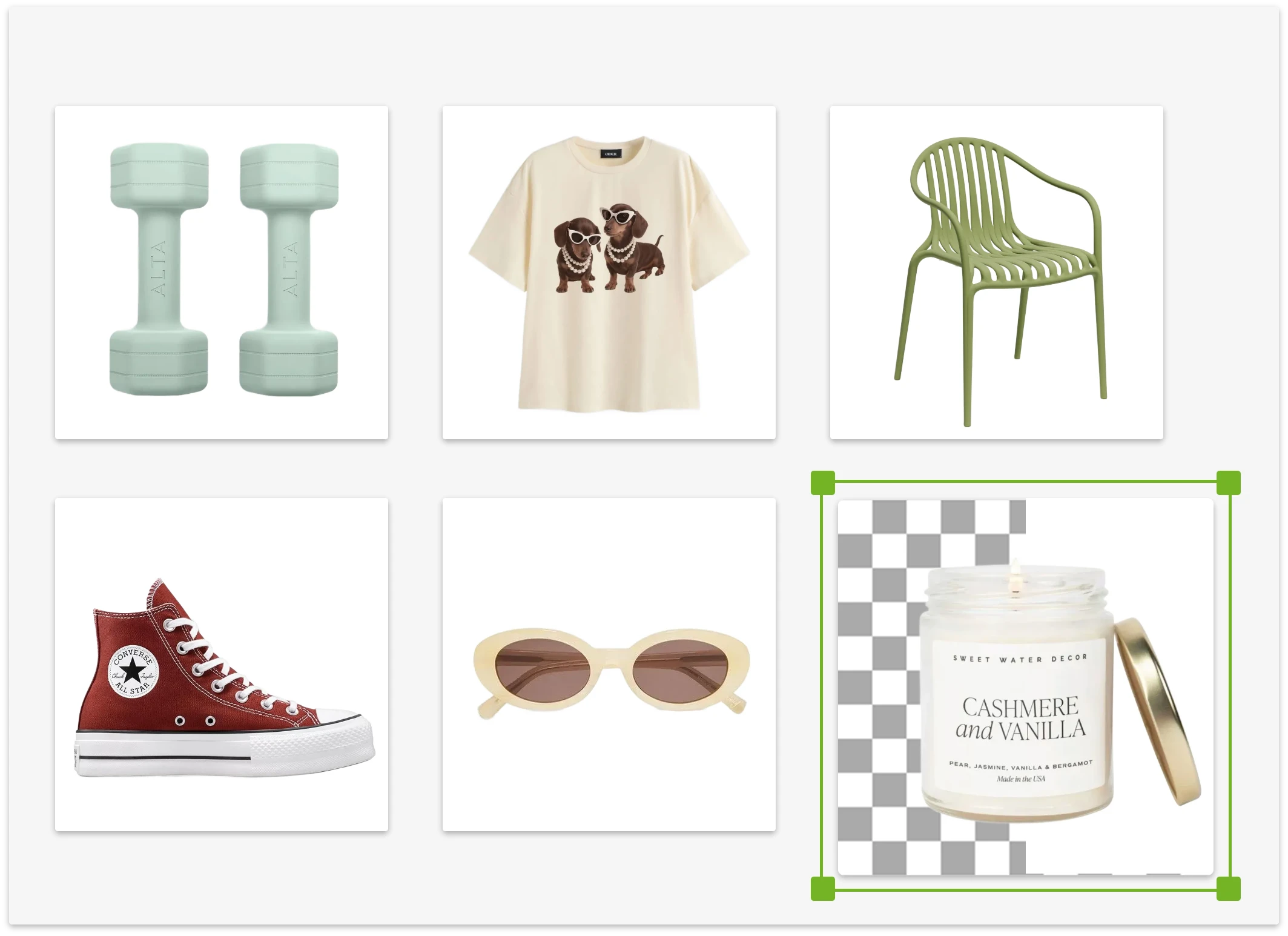
Isolate houses, floor plans, furniture, and property details so they can be reused across listings, presentations, signs, and promotional materials.
Create Property Cutouts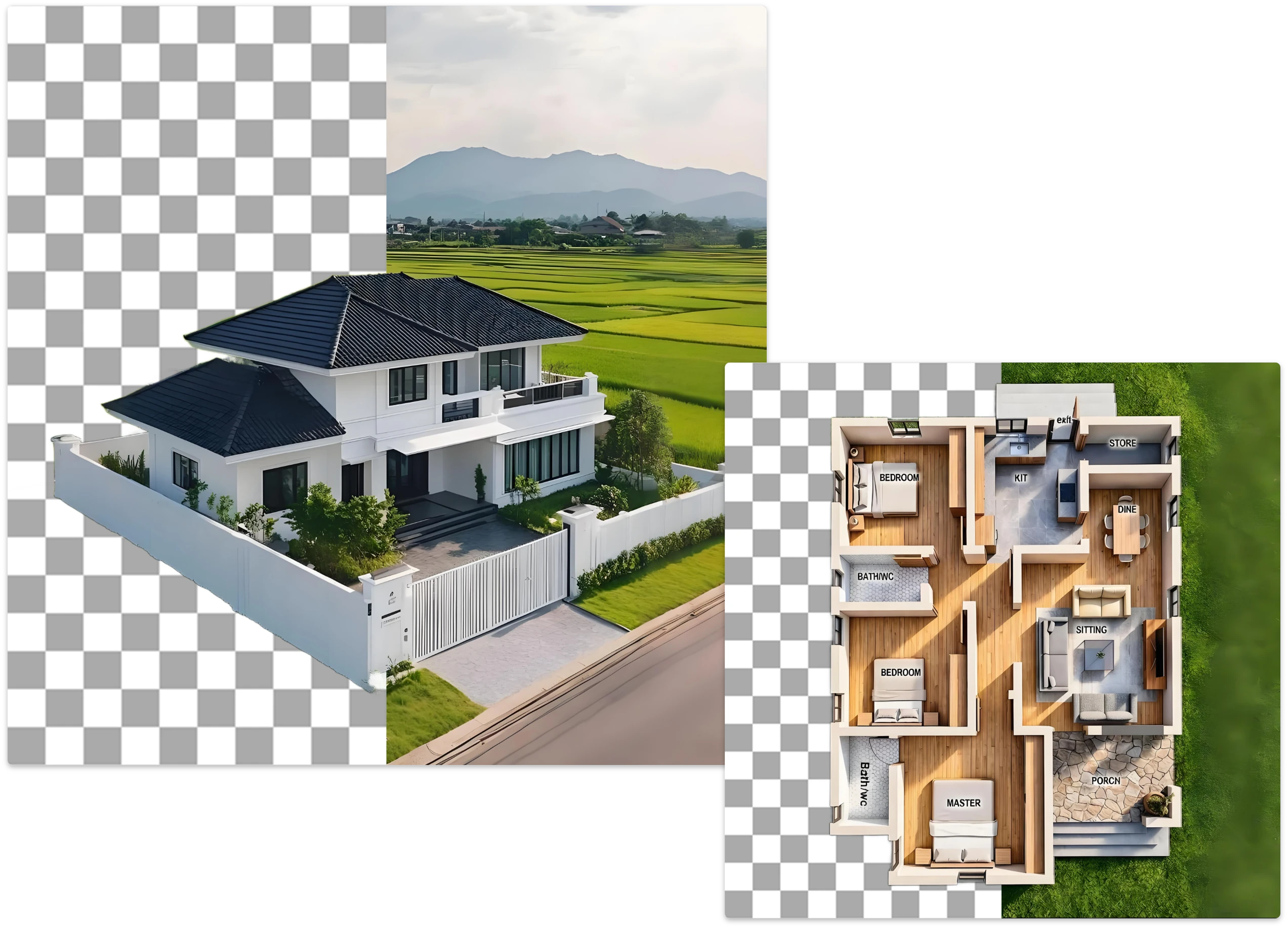
Remove backgrounds from portraits, groups, pets, accessories, and detailed objects while preserving the edges that make each subject feel natural.
Remove Any Background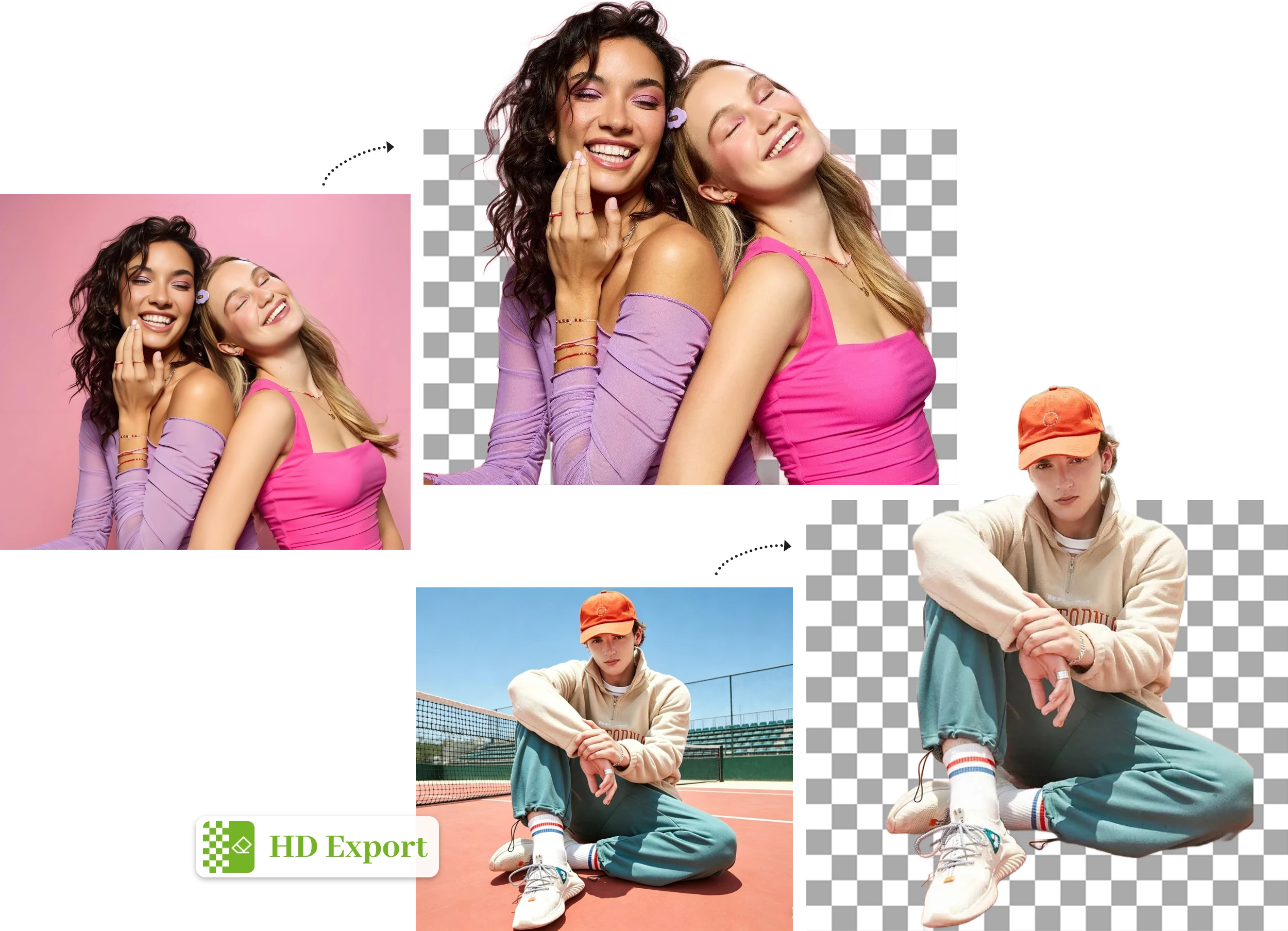
See the difference
Clean edges, transparent HD results, and a simple workflow for everything from portraits to product photos.
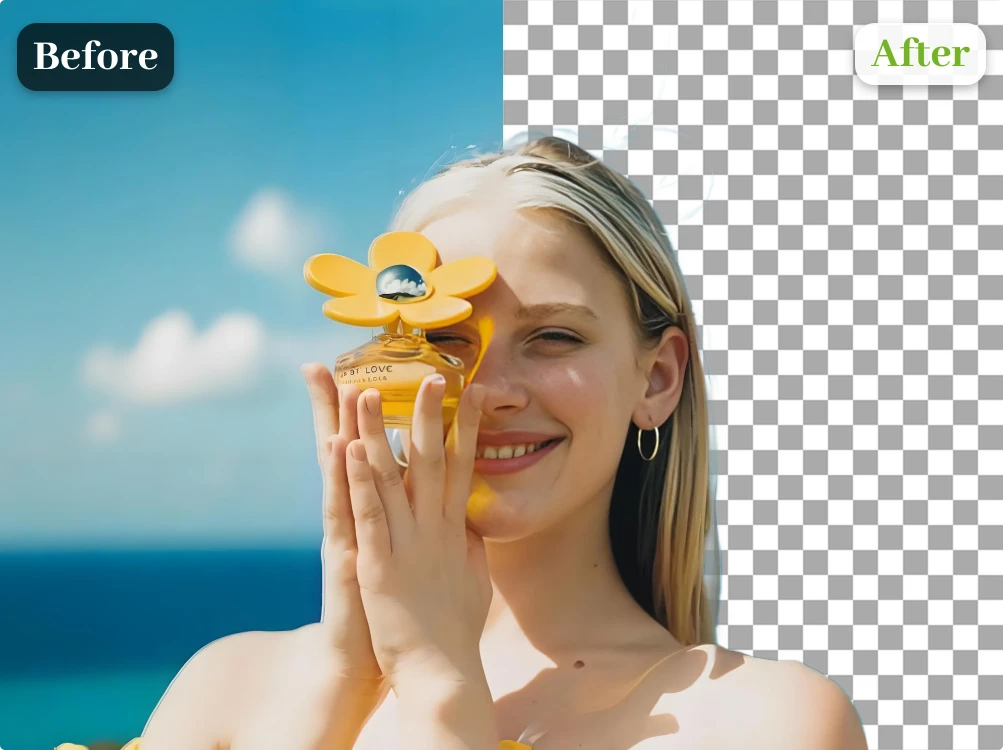
Advanced AI separates subjects while keeping delicate edges such as hair, fur, soft shadows, and intricate shapes looking natural.
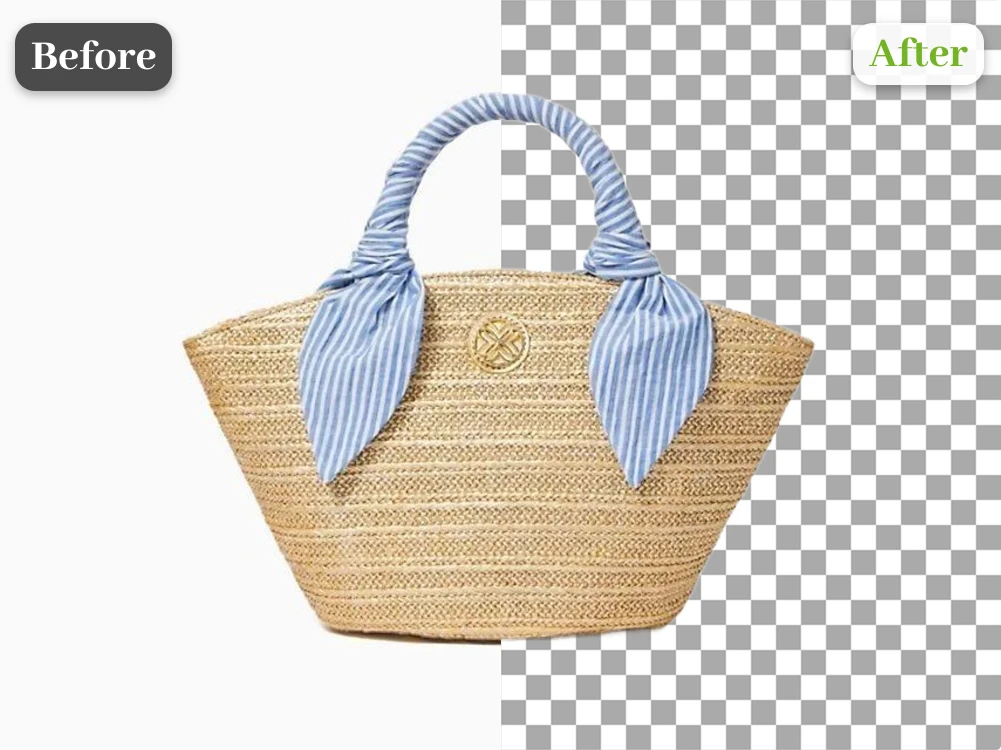
The background remover creates a clean cutout directly in your browser—no software installation or manual tracing required.
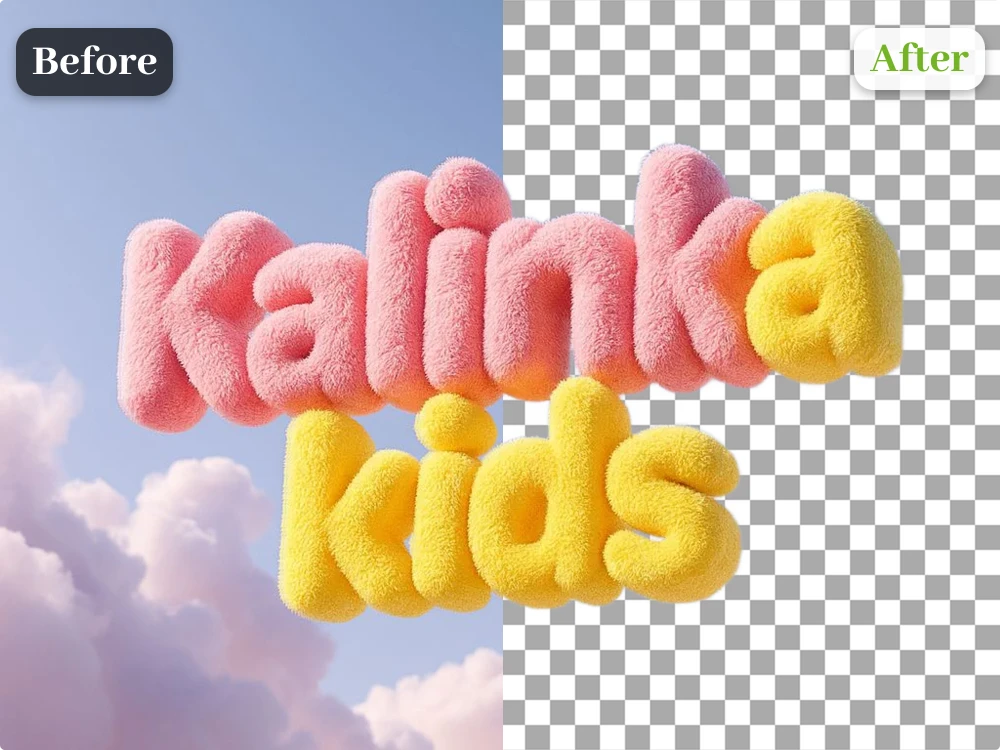
Download a crisp transparent PNG ready for product listings, presentations, print designs, and professional creative work.
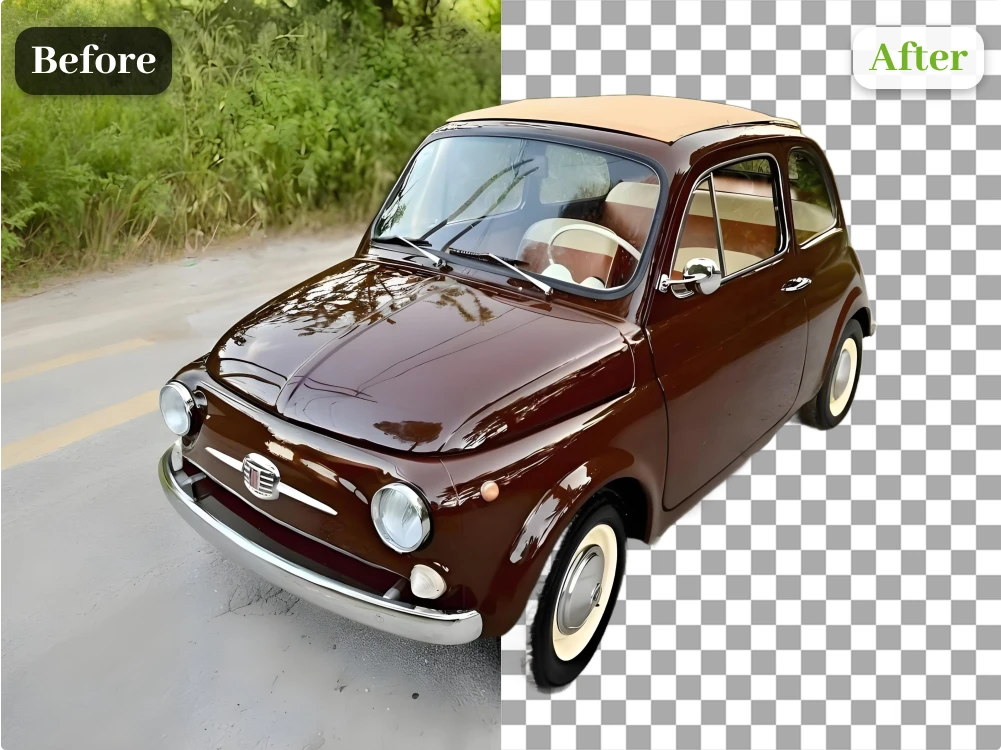
Handle portraits, products, pets, vehicles, logos, and multi-object photos with clean, consistent subject separation.
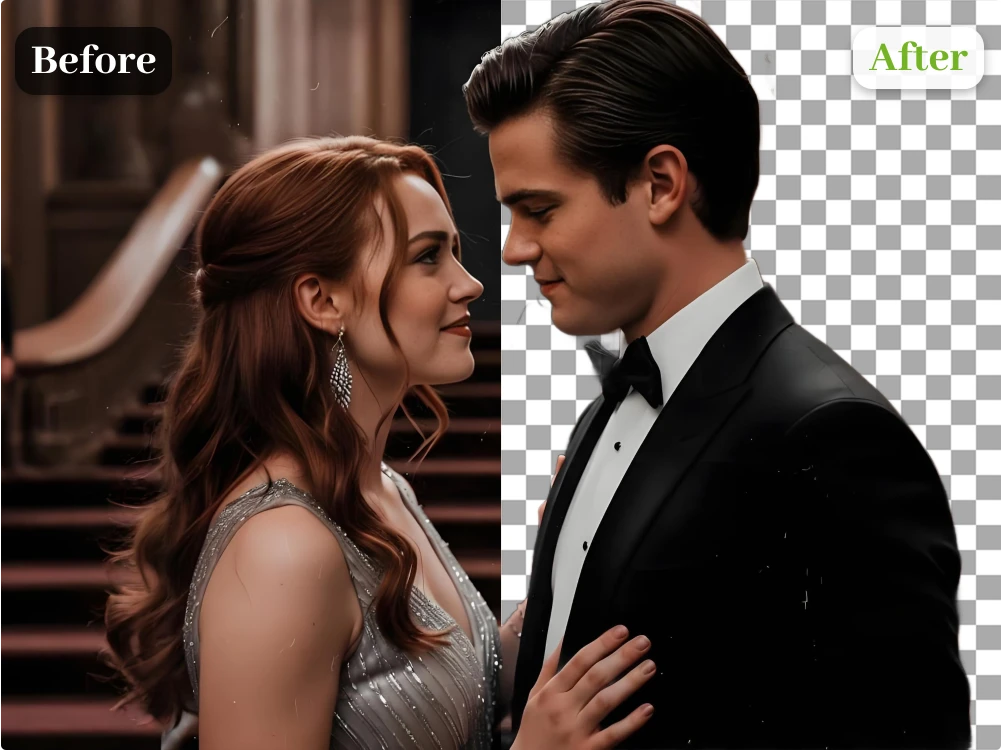
Preview the result and use Erase or Restore for quick finishing touches before downloading your final image.
Process images through a simple browser workflow and review every result yourself before choosing what to download.
Trusted in everyday work
Feedback from people turning everyday photos into flexible, transparent assets.
Drag or scroll to explore more stories
“I can turn mixed product photos into clean cutouts before building listings and campaign graphics. Every result is easy to check.”
 Maya R.Ecommerce seller
“Erase and Restore help me tidy the small edges that need attention, then I can download a transparent PNG and keep designing.”
 Daniel K.Freelance designer
“The process is simple: upload, review, and download. I reuse the same cutout in thumbnails, posts, and presentations.”
 Sofia M.Content creator
“It gives our product catalog a much more consistent look without making the team spend hours drawing masks by hand.”
 Ethan P.Marketplace manager
“Hair and clothing edges are easy to inspect in the preview, and the transparent files drop straight into my client layouts.”
 Nora B.Portrait photographer
“One clean cutout can move from an ad to a landing page and then into a social post. That saves us a surprising amount of time.”
 Lucas T.Marketing specialist
“I do not need a complicated editor for quick shop updates anymore. I upload the photo, check it, and download the PNG.”
 Anna C.Small business owner
“The cutouts stay reusable across light and dark slides, which makes last-minute presentation changes much easier.”
 Jordan E.Presentation designer
Choose a simple credit plan for background removal and other image tools.
View all plansQuick answers about using the background remover, supported formats, transparent PNG output, trial credits, and editing.
Upload a JPG, PNG, or WebP file, review the cutout, and download a reusable transparent PNG.
Upload Your Image